
MOSS Image
MOSS Image is a creative space for the OpenMOSS text-to-image model. Describe your idea in everyday language—subject, style, and any words that should appear on the image—to explore layouts, readable text, and detailed prompts for posters, products, portraits, and more.
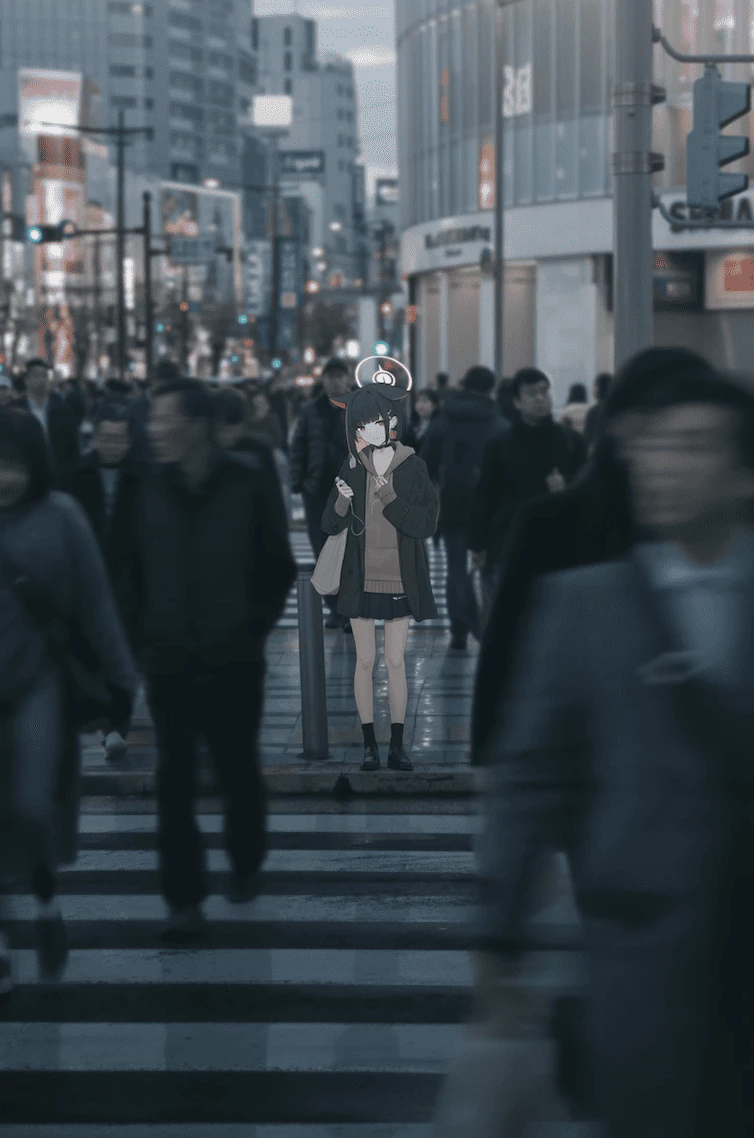
What is MOSS Image?
MOSS Image is an independent studio for the OpenMOSS MOSS-Image text-to-image model. It helps you shape ideas, see how prompts and layouts work, and get ready for the hosted studio or your own setup. This site is not the official OpenMOSS product.
- Clear Prompts InStart with plain words about the subject, style, and mood. You can also use tags or a JSON layout when you need tighter control. Long, detailed prompts are supported when they answer real questions about the scene.
- Images With Text and LayoutMOSS-Image is built to render readable wording and follow layout hints when your brief is clear. Put important text in quotes, leave space around headlines, and check spelling at full size before you share.
- Ready for Real ProjectsUse results for posters, product shots, portraits, or concept art. Save images for your workflow, or follow the setup guides to run the model on your own machine when you want full control.
Why Use MOSS Image for Your Brief
Three reasons MOSS Image fits text-to-image work better than a generic image app:
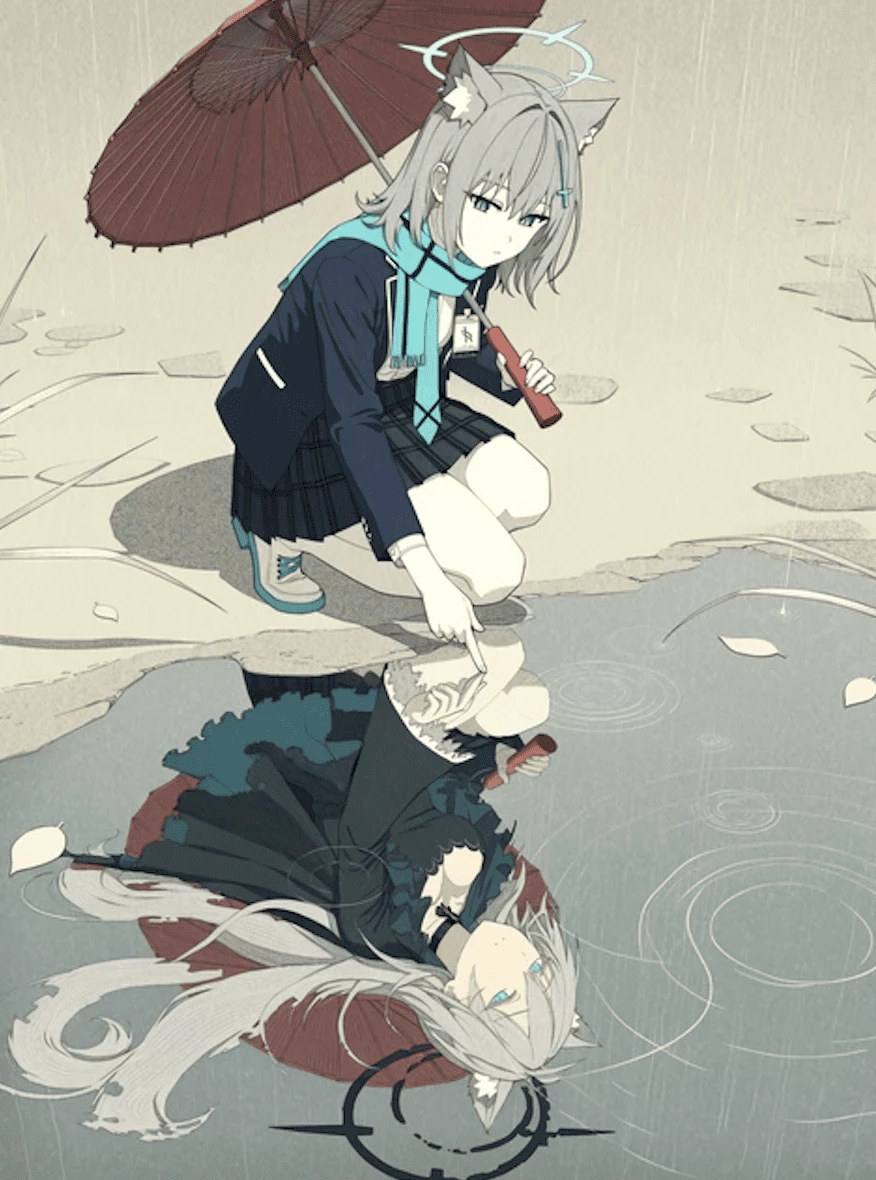
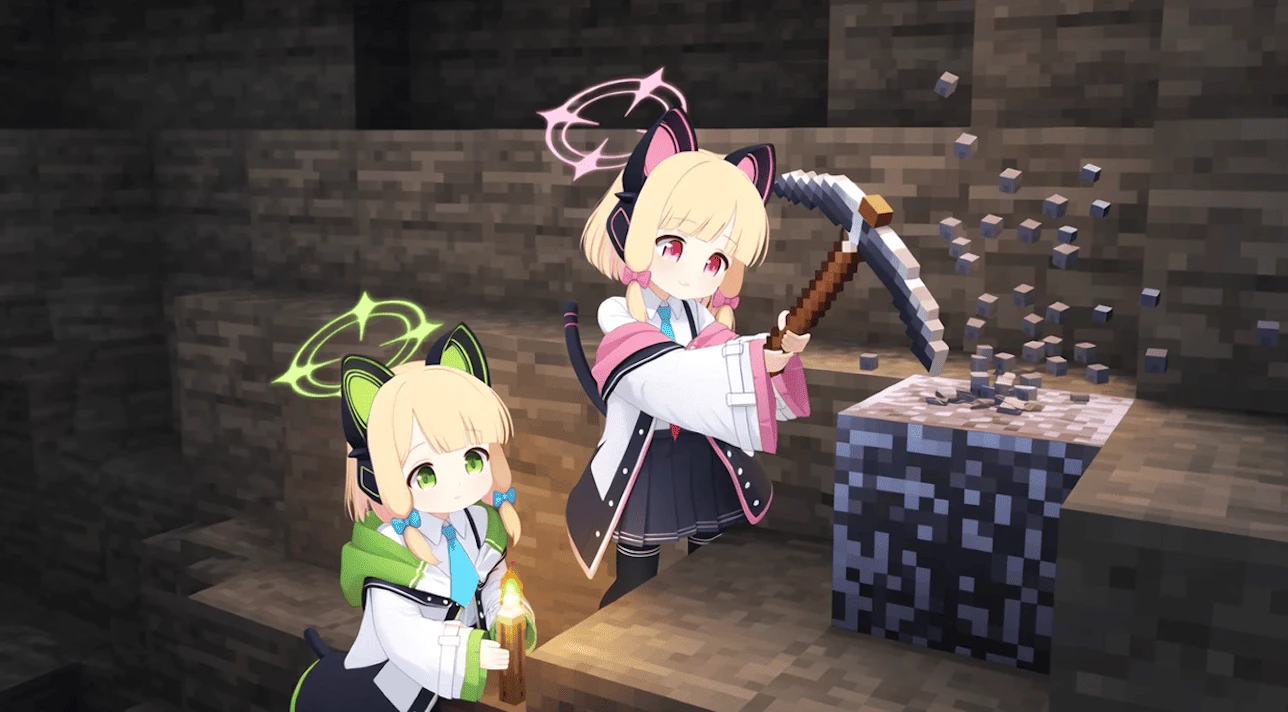
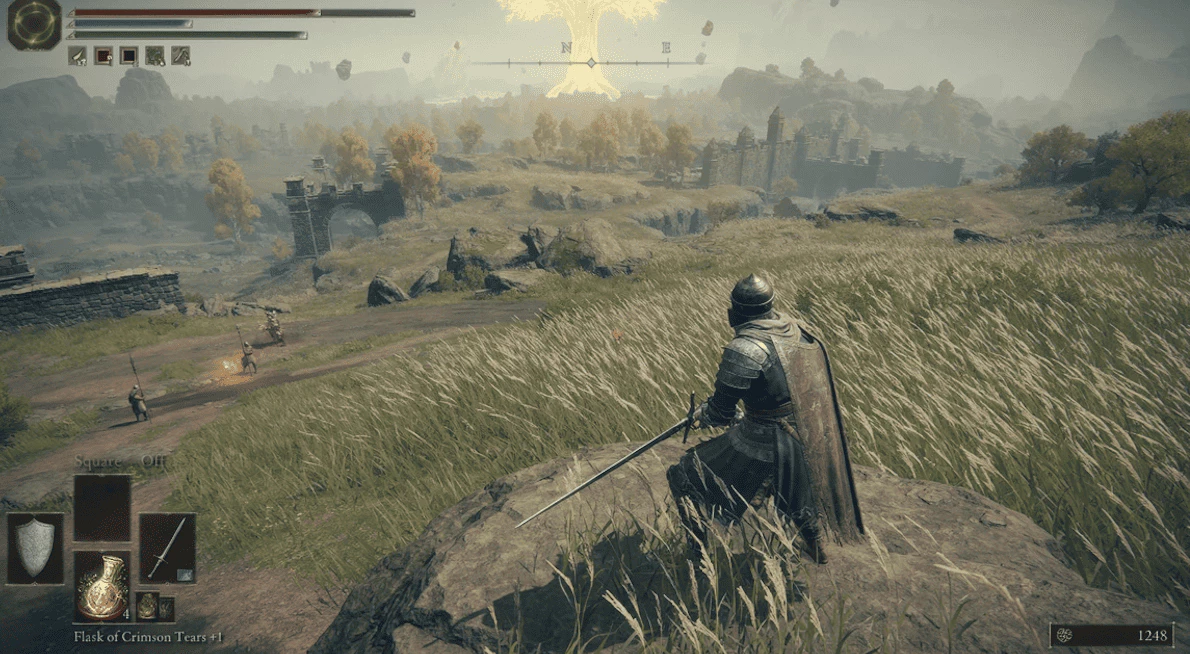
MOSS Image Key Features
What this MOSS-Image studio helps you do with prompts, layouts, and still-image briefs:
One Clear Brief to Start
Begin with one goal—a poster, product shot, or portrait—and say what should stand out. A focused brief beats a long list of unrelated details.
Text You Can Read
When words matter, put the exact line in quotes and say where it should sit. Start simple: one headline, one main object, and open space around the type.
Layout Prompt Support
For tighter control, use a JSON layout that matches your canvas size. Treat it as a scene plan with separate notes for text and objects, not a finished design file.
Room for Detail
The model accepts long natural-language prompts and tag lists when you need to fix ambiguity. Add detail only where it answers a real question about the scene.
Studio or Local Workflow
Try standard text-to-image in the hosted studio, or use the local setup guides to run the model on your own machine with settings you control.
Independent Project Stance
MOSS Image is an independent site built around OpenMOSS MOSS-Image, not the official OpenMOSS app. For business use, confirm the rules on the model you run and on this site before you publish.
Make Your First MOSS Image
Three simple steps to go from a written brief to a finished still image:
Write Your Brief
Pick one purpose—poster, product, portrait, or scene. Describe the subject, style, and any quoted text. Add a JSON layout only if you need fixed positions.
Generate the Image
Run your prompt in the MOSS Image studio or on your own local install. Keep size and layout settings aligned so elements do not shift or get cropped.
Review and Save
Zoom in and check text, faces, and edges. Download the image when it meets your brief, or tweak the prompt and try again before you use it in a project.
Ways to Use MOSS Image
See how people use MOSS Image to plan posters, product visuals, and other still images with clear prompts.
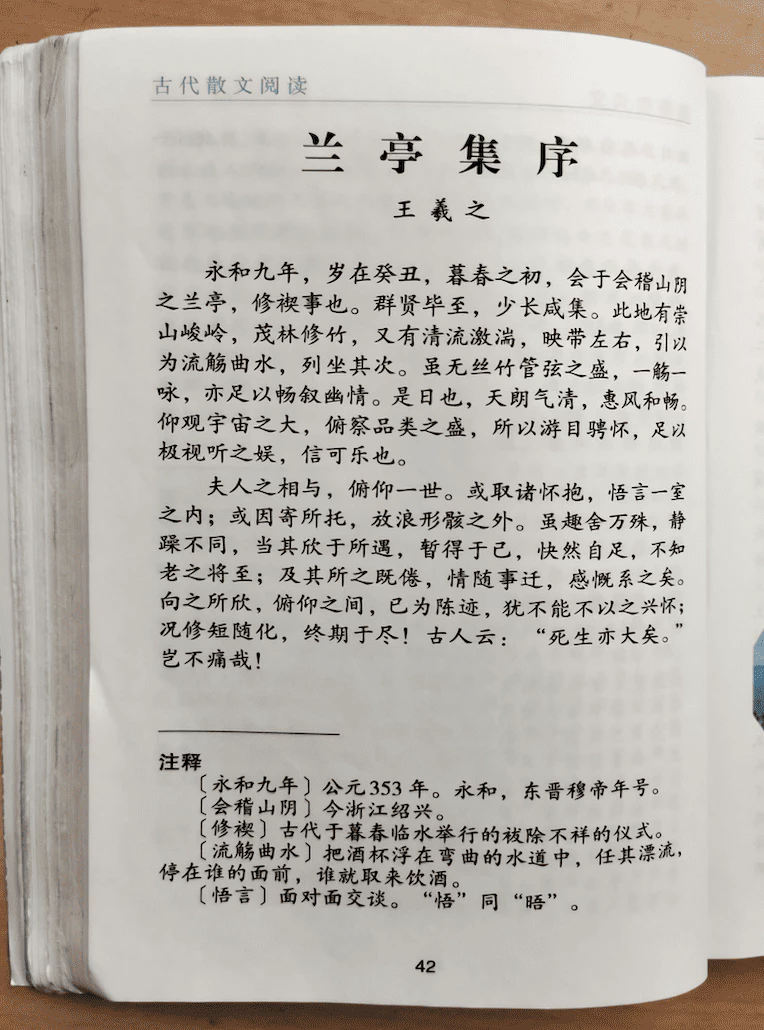
Build Posters With Clear Headlines
Write your headline in quotes, say where it should sit, and describe the background style. MOSS-Image helps you test layout and readable type before final design work.
- Keep the first try simple: one title, one main subject, and empty space
- Check spelling and line breaks at full size before you publish
Make Images for Social Feeds
Describe light, expression, and a simple moment, then generate a portrait still you can crop for Instagram, TikTok covers, or other post layouts.
- Leave space around the head if you will crop to different sizes
- Review faces and hands at full size before you post
MOSS Image – Still Images in a Few Steps
MOSS Image is built for one clear job: turn a written brief into a still image with readable text and layout control.
Words and Layout
Core Focus
The site centers on MOSS-Image strengths—on-image text and layout hints—so visitors quickly see what this model is for.
One Brief
Simple Start
Begin with one goal and a plain-language prompt. Add tags or a JSON layout when you need tighter control, not a blank slate every time.
Saved Images
Ready to Refine
Download a still image for your deck, store, or social post, then polish type or legal copy in a design app if needed.
MOSS Image – Common Questions
Quick answers about MOSS-Image prompts, the hosted studio, credits, commercial use, and how this site relates to OpenMOSS.
What is MOSS Image?
MOSS Image is an independent studio for the OpenMOSS MOSS-Image text-to-image model. It helps you draft prompts, try standard generation, and follow guides when you run the model on your own hardware.
Can I use MOSS-Image outputs commercially?
Rules depend on the model version and how you use the image. Check OpenMOSS and MOSS Image terms for your case, and ask a lawyer before ads, products, or resale that rely on a generated image.
How do MOSS Image credits work?
The hosted studio uses shared capacity and limits how many generations each browser and network can run per UTC day. Running the model on your own machine does not use site credits.
What prompt works best?
Pick one clear goal, name the subject and style, and put must-read words in quotes with a note on placement. Add detail only where it removes guesswork, not to pile on extra decoration.
How is MOSS Image different from general image apps?
MOSS-Image is aimed at still images where text and layout matter, with support for long prompts and JSON layouts. It is not a video tool and does not promise perfect lettering on every try.
Is MOSS Image official OpenMOSS?
No. MOSS Image is a separate, independent website, not the official OpenMOSS app. Standard generation connects to the official MOSS-Image SFT service, but names, accounts, and editing tools here are managed on this site only.